





54 Used PC Laptops for Sale in UAE | Ayshei
Browse used PC laptops, gaming rigs, and desktops in the UAE. Compare specs, condition, and price before you meet the seller.
desktops & laptops For Sale In UAE (54 items)
AED
7,500
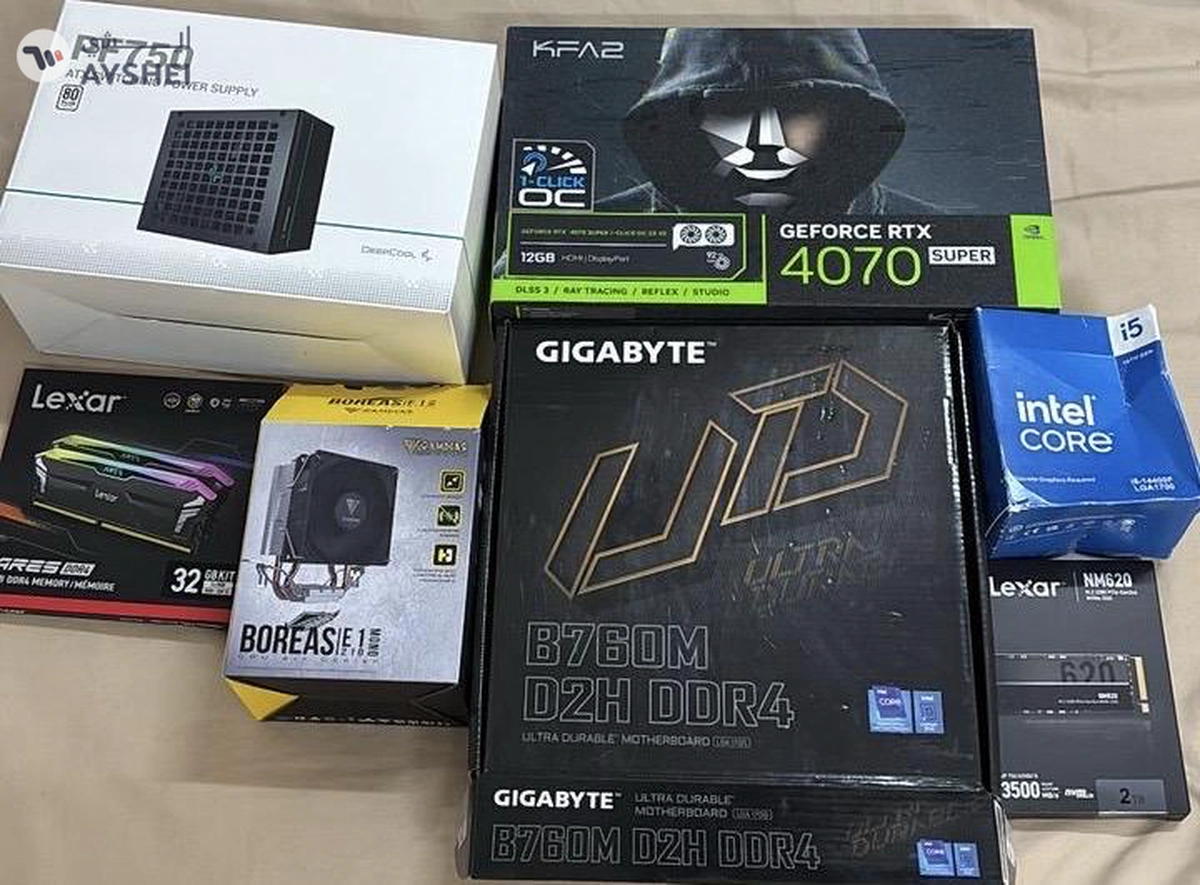
RTX 4070 Super Gaming PC – i5 14400F – 32GB RAM – 280Hz Monitor – High FPS Beast

Khawaneej - Al Khawaneej Street - Dubai

Verified User
AED
1,000
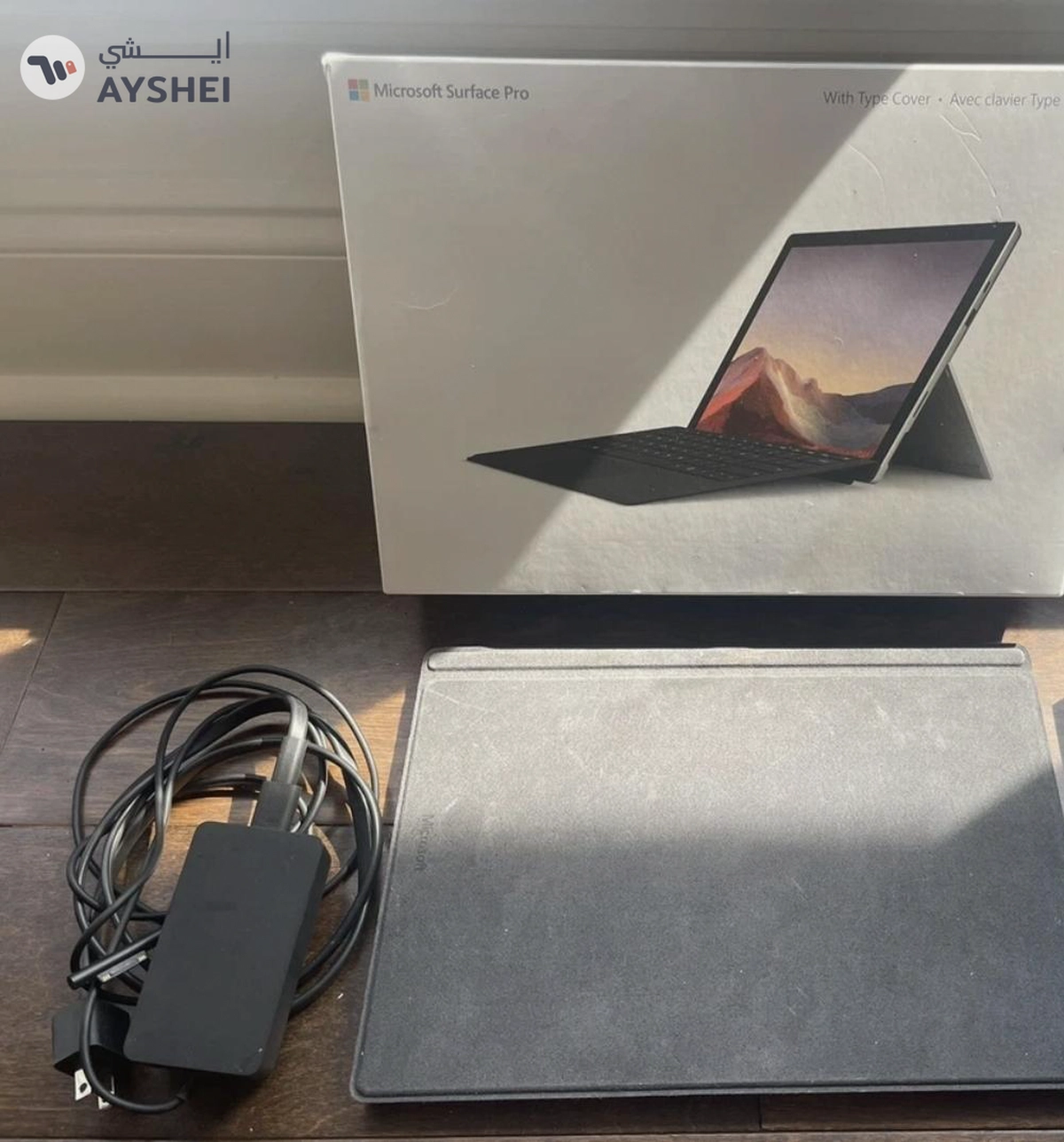
Microsoft Surface 7 + pro 2-in-1 Laptop with keyboard and pen
Shahba Tower B - Shop 4 - الجرف 2 - عجمان, عجمان
Verified User
AED
2,200
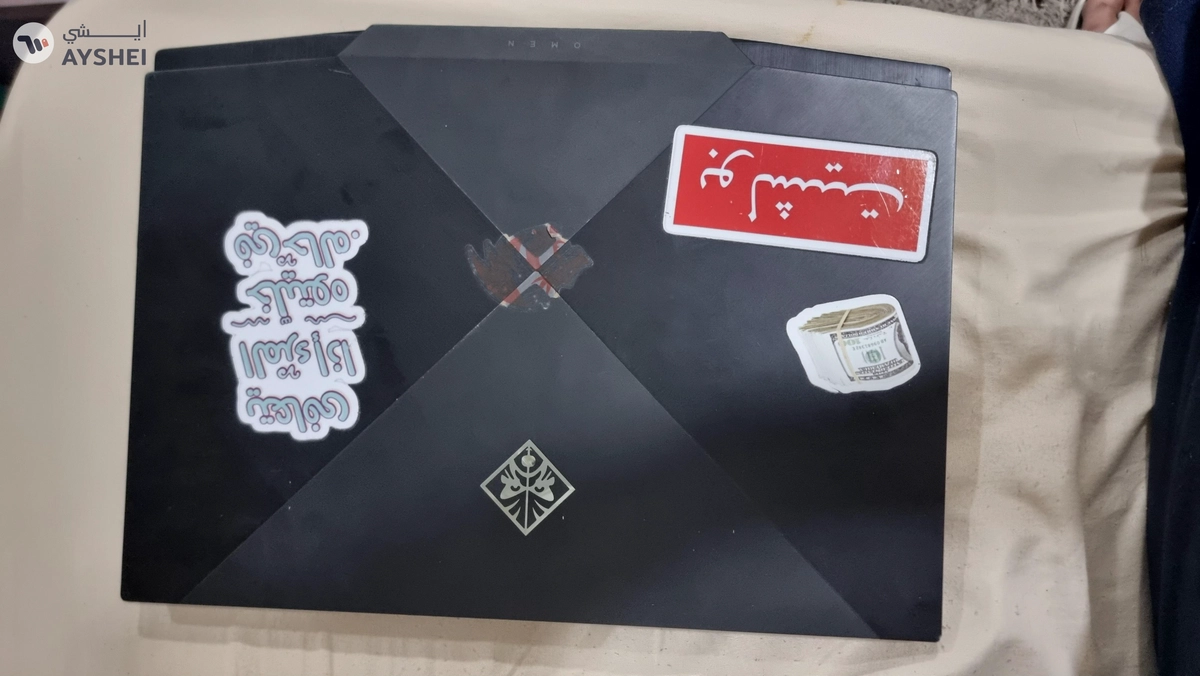
HP Omen 15 Gaming Laptop RTX 2070
Al Asayel St - Business Bay
Verified User
AED
14,500
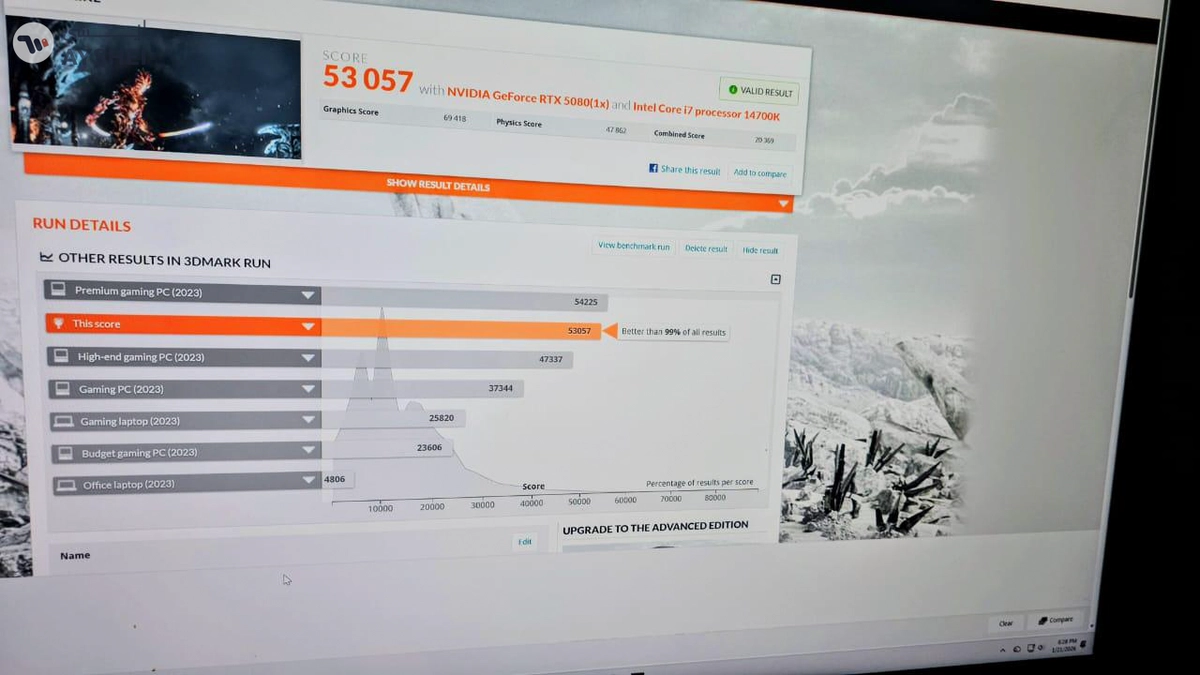
ULTRA HIGH-END GAMING PC – BRAND NEW – i7-14700K + RTX 5080 + 64GB DDR5
Al Ghayl - Ras Al Khaimah - Emiratele Arabe Unite, Al Dhaid, Emiratele Arabe Unite
Verified User
AED
2,300
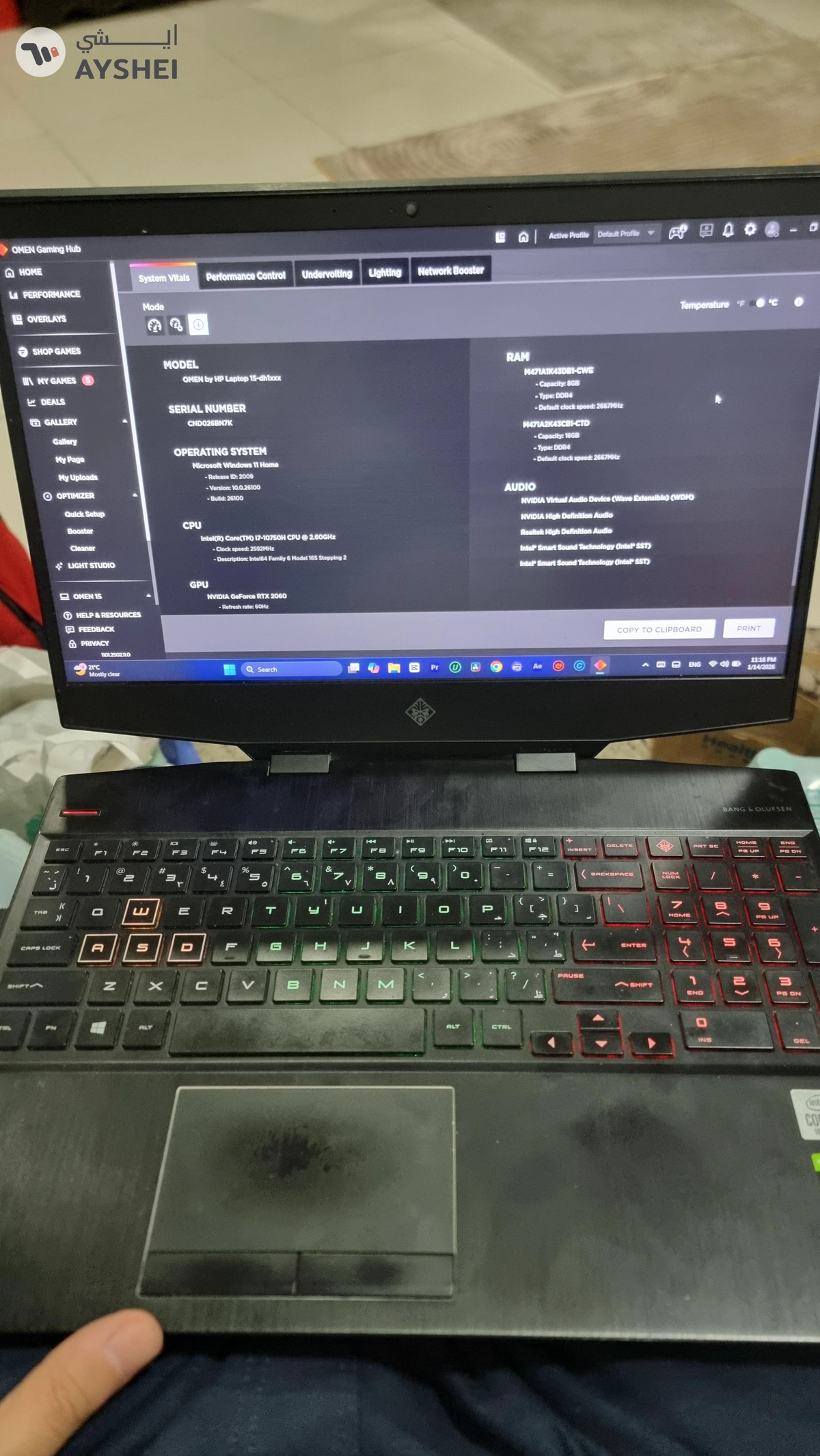
HP Omen 15 Gaming Laptop RTX 2060
Code Business Tower - 8th Floor - 23rd St - Al Barsha First - Al Barsha
Verified User
AED
2,500
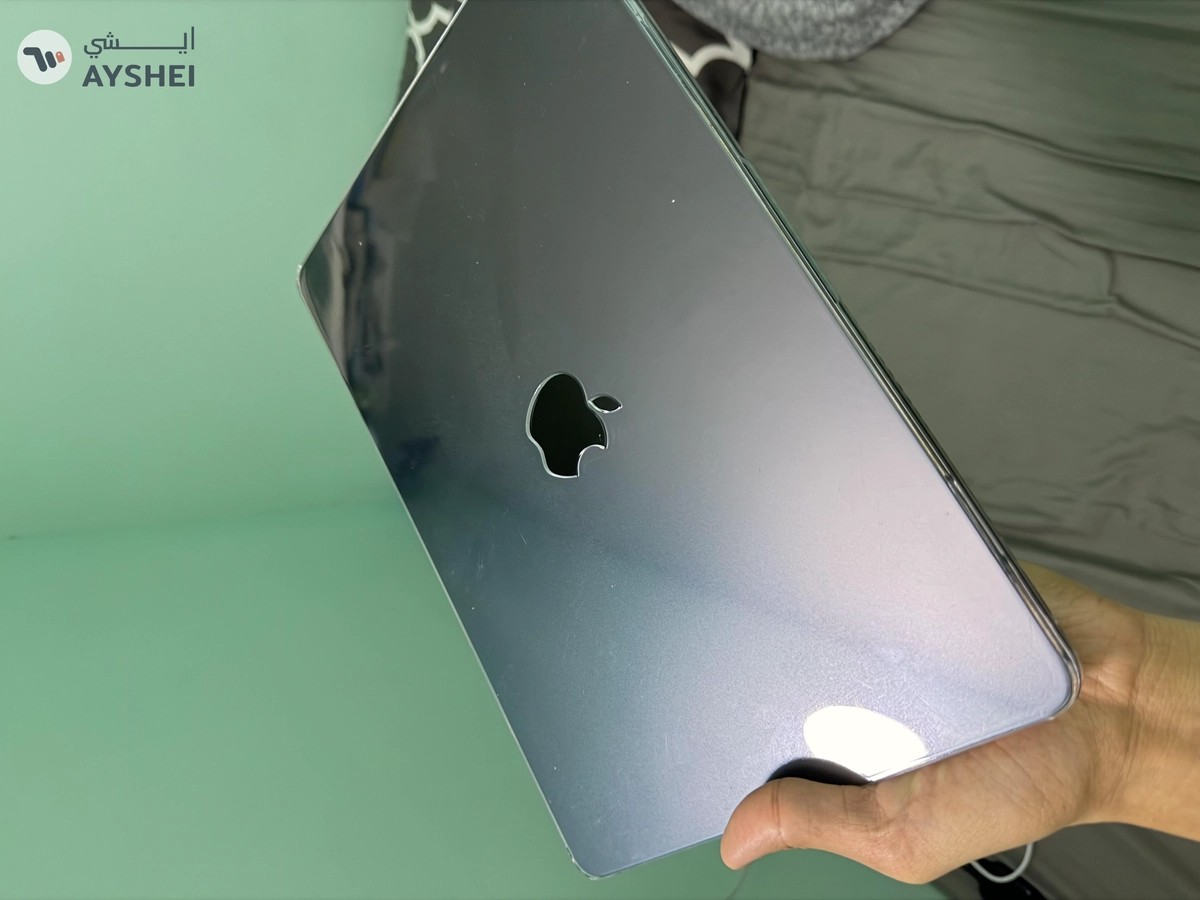
Macbook Air M2 16gb ram
Al Barsha 1 - Dubai
AED
499
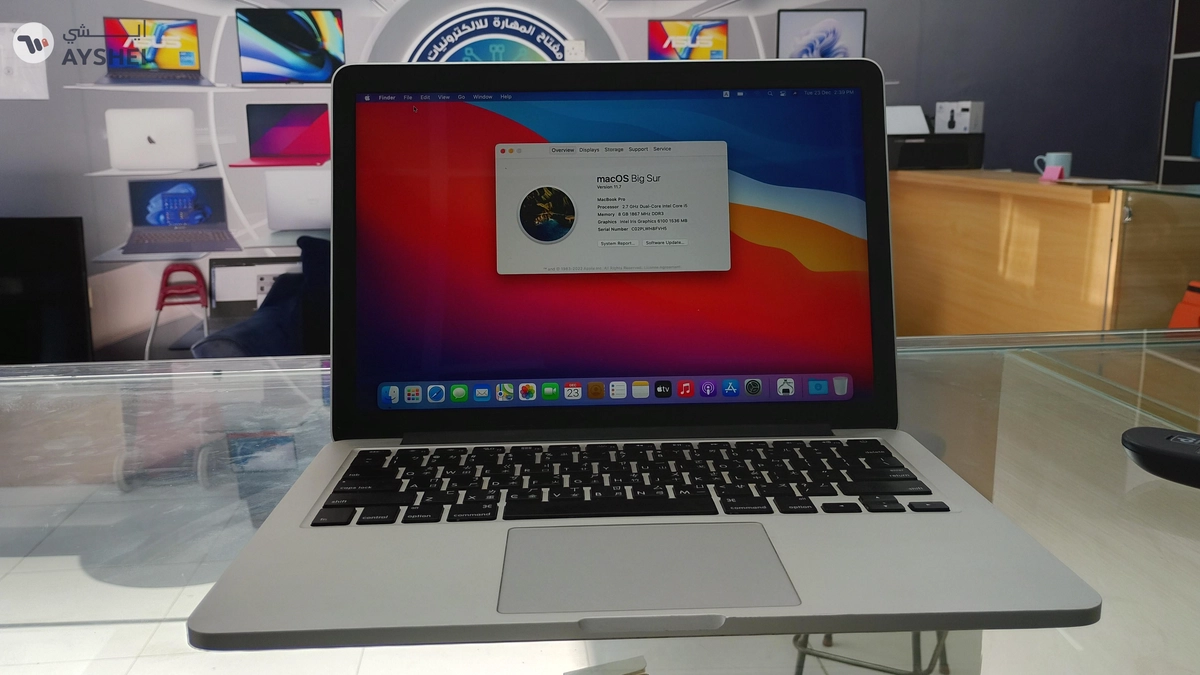
MacBook Pro 13inch 2015
21 Bishr Bin Amr St - Al Manakh - Hay Al Qasimiah - Sharjah, Sharjah
Verified User
AED
1,600
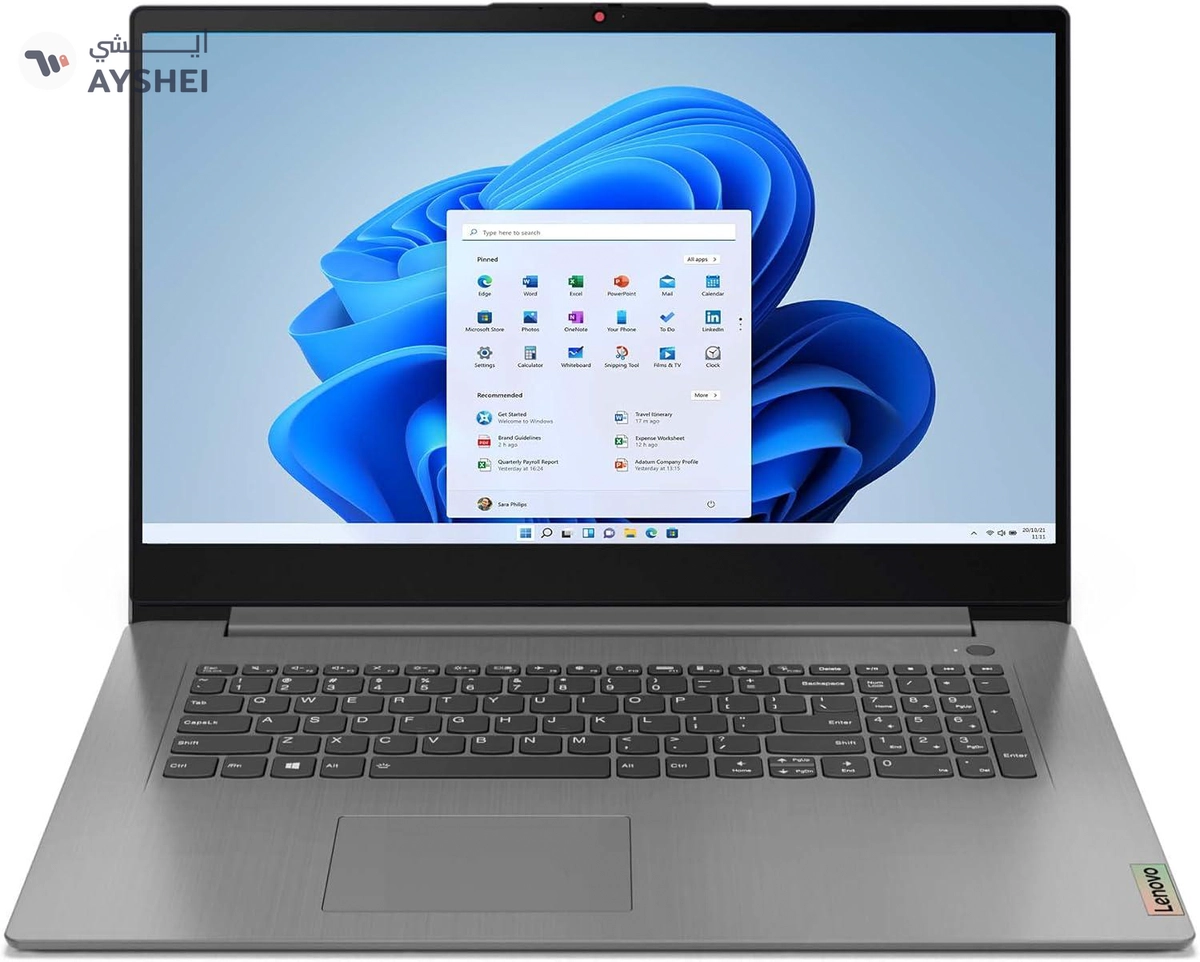
Lenovo Ideapad laptop
Clover Bay Tower - Marasi Drive - Dubai
AED
799
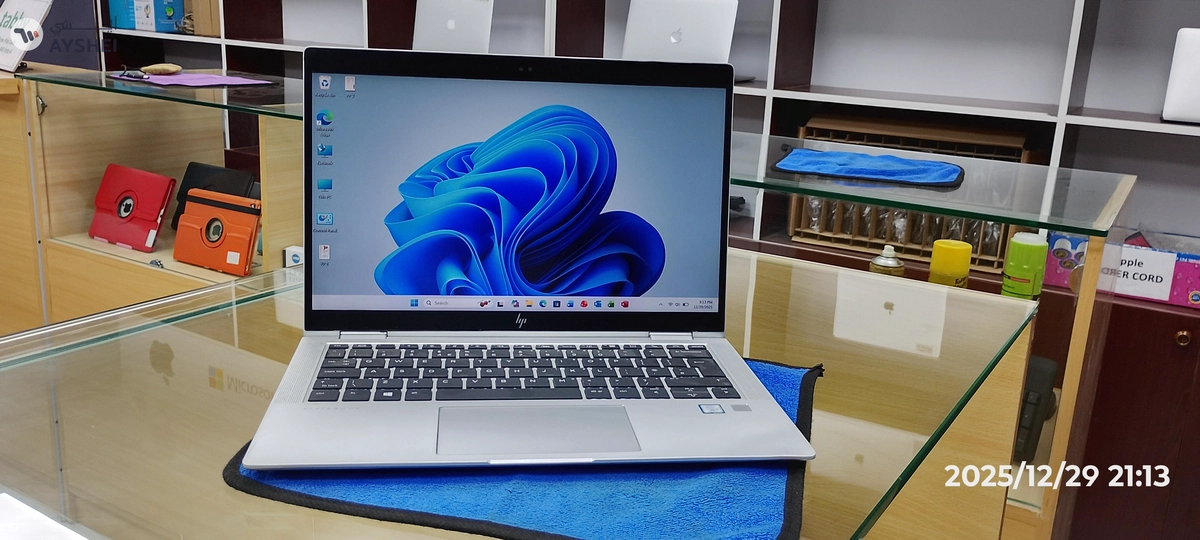
HP Elitebook x360 1030 G3
21 Bishr Bin Amr St - Al Manakh - Hay Al Qasimiah - Sharjah, Sharjah
AED
650
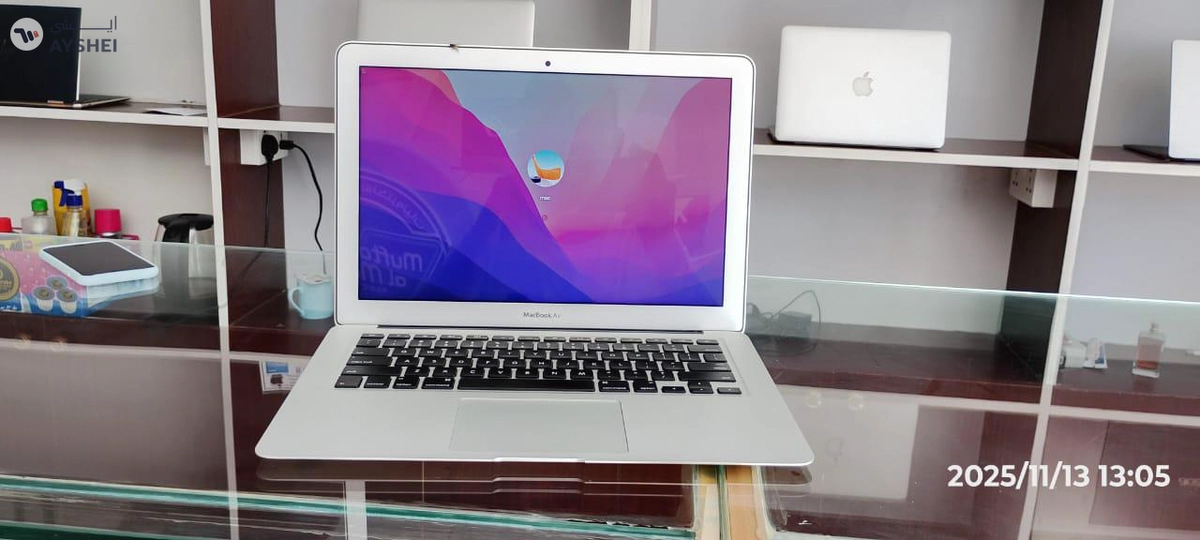
Macbook Air (1466) 13inch 2017
Muftah Al Mahara Electronics - Bisgr Bin Amr. Street - Sharjah
Verified User
AED
4,500
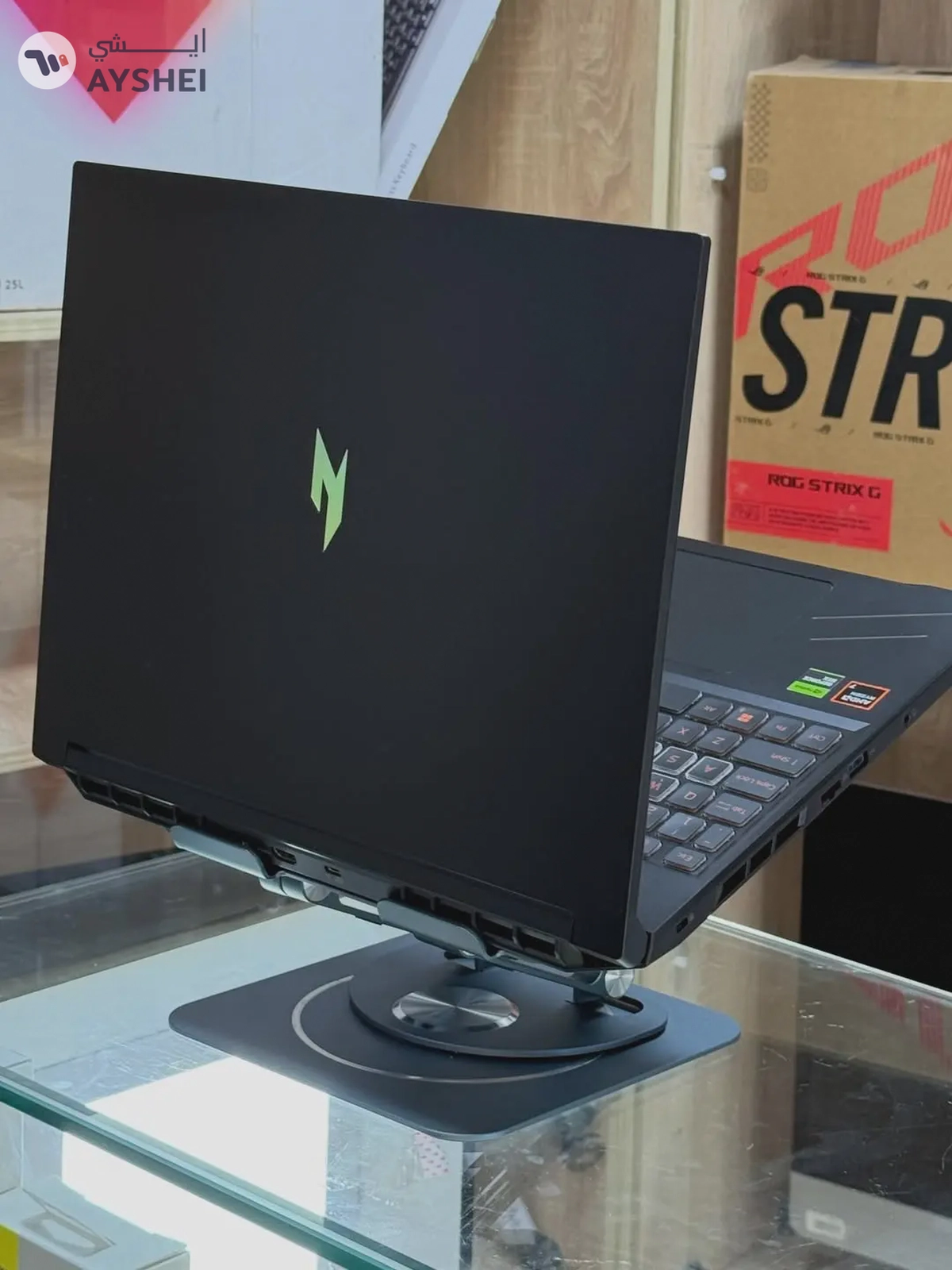
Acer (Upgraded) NITRO V16 ANV16-41-R2YJ - AMD Ryzen 7 8845HS, 16GB RAM, 512GB SSD, RTX 4060 8GB GDDR6, 16”WUXGA IPS 165Hz, English Backlit keyboard, Obsidian Black, WIN 11 Pro, NH.QRUEM.002
Al Jafiliya

Verified User
AED
1,200
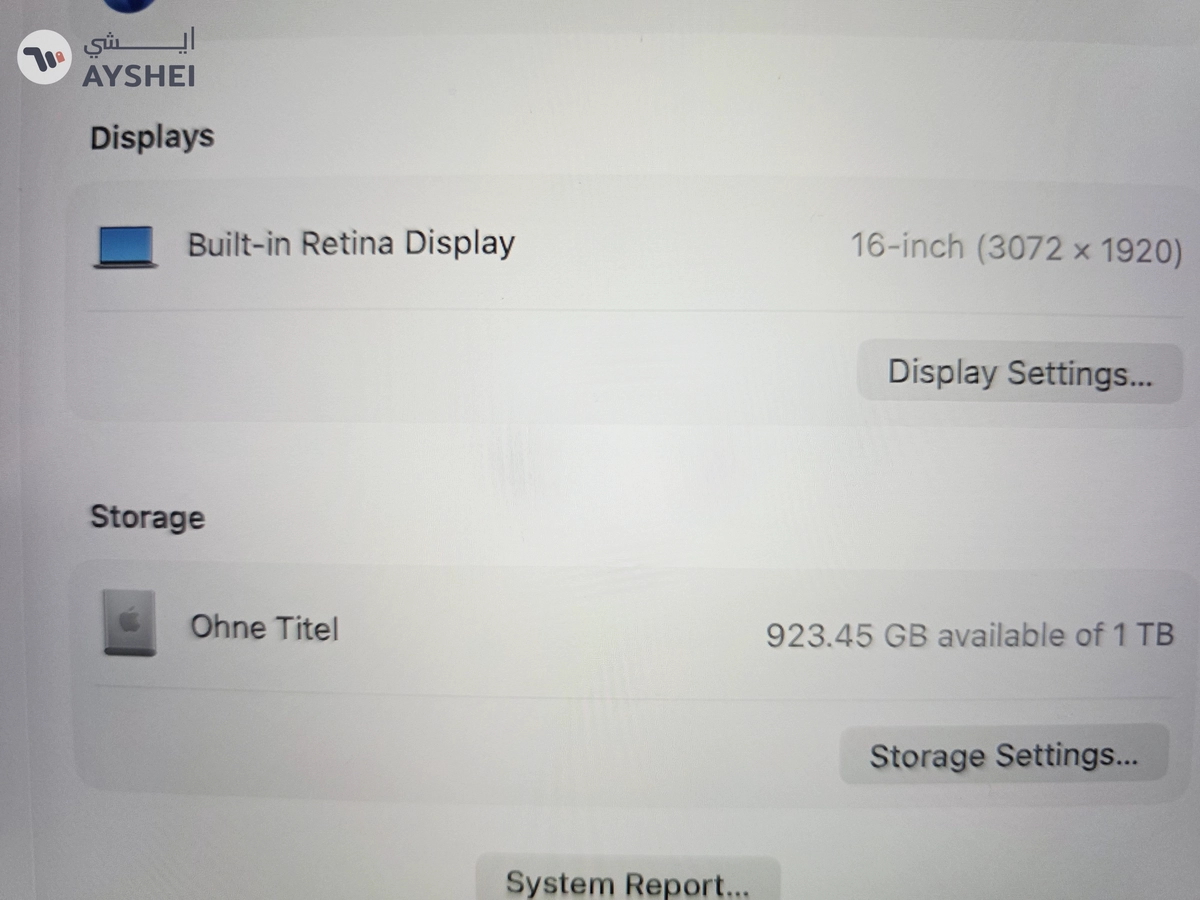
laptops selling
24c Street 53, Dubai
Verified User
AED
2,100
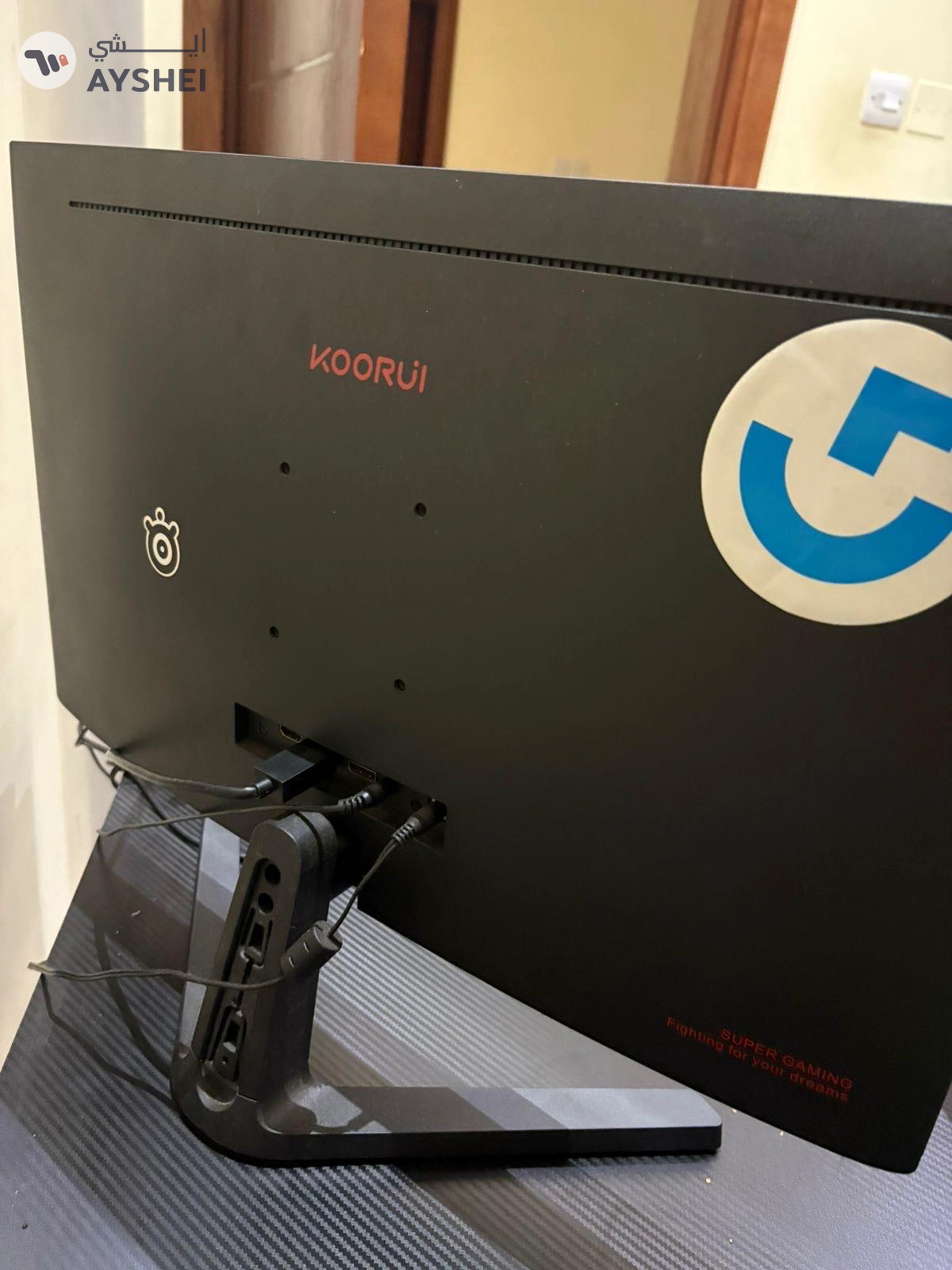
apple macbook pro 2019
M-8, الشارقة
AED
350
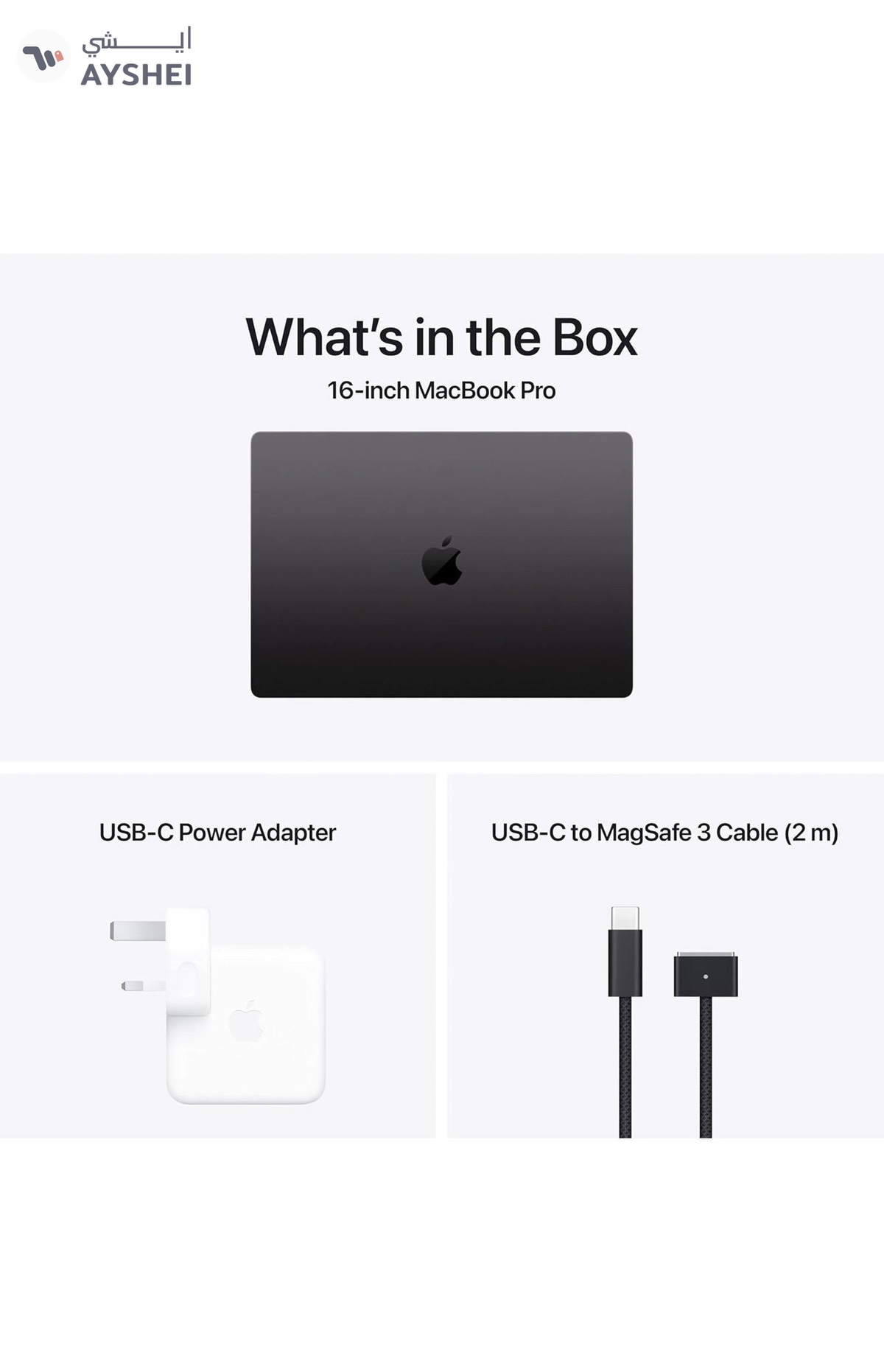
KOORUI GAMING MONITOR 165 HZ 1080 P IPS FHD PREMIUM FREE SYC
Emaar Square, Building 6 - Dubai
Verified User
AED
12,950
Apple 2024 MacBook Pro (16-inch, Apple M4 Max chip with 14‑core CPU and 32‑core GPU, 36GB Unified Memory, 1TB) - Space Black Brand New With 3 Years Apple Care Warranty
Emaar Square, Building 6 - Dubai
Verified User
AED
3,199
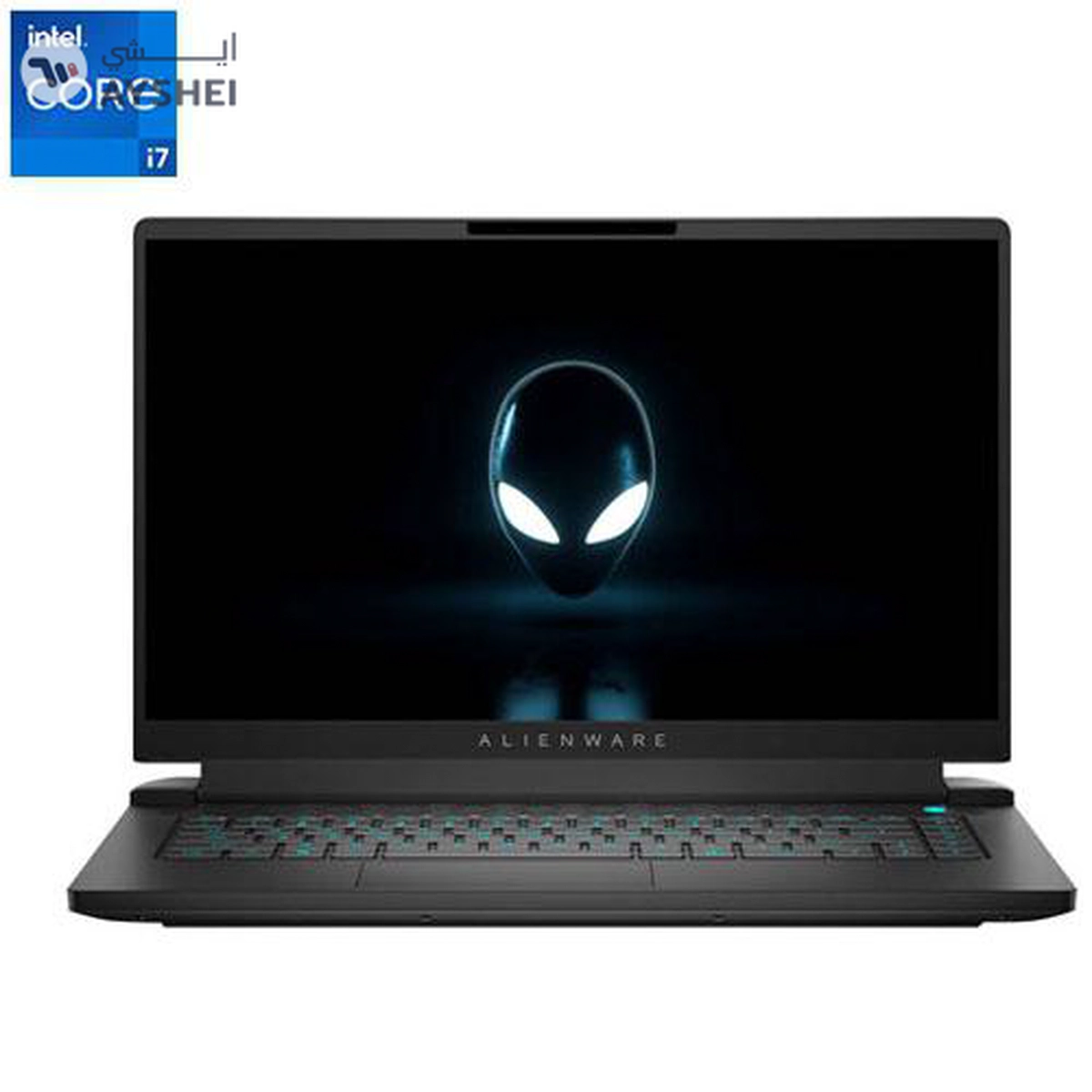
Dell Alienware M15R7
Burdubai - Dubai
Verified User
AED
2,100
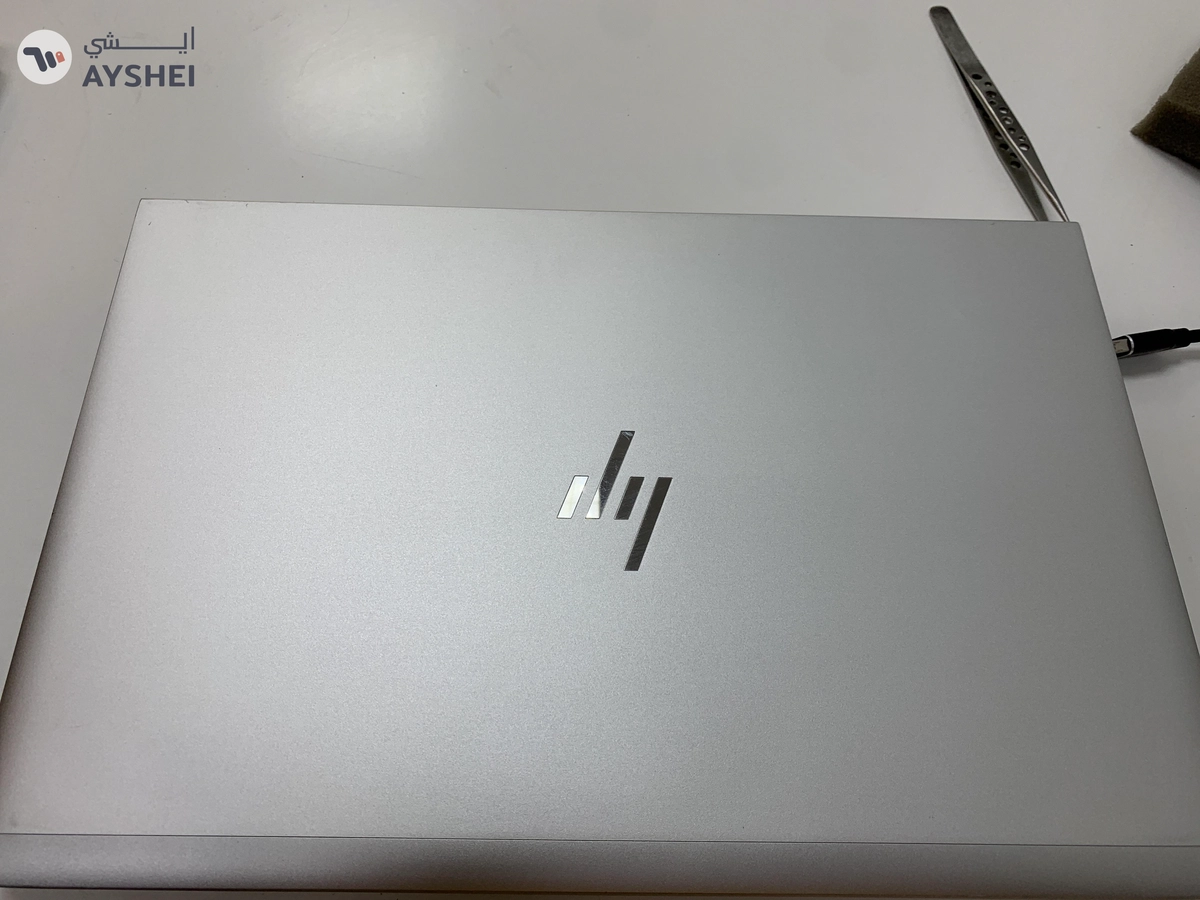
Hp elitebook 640 G10
JNP Signal Sharjah - Sharjah
Verified User
AED
3,499
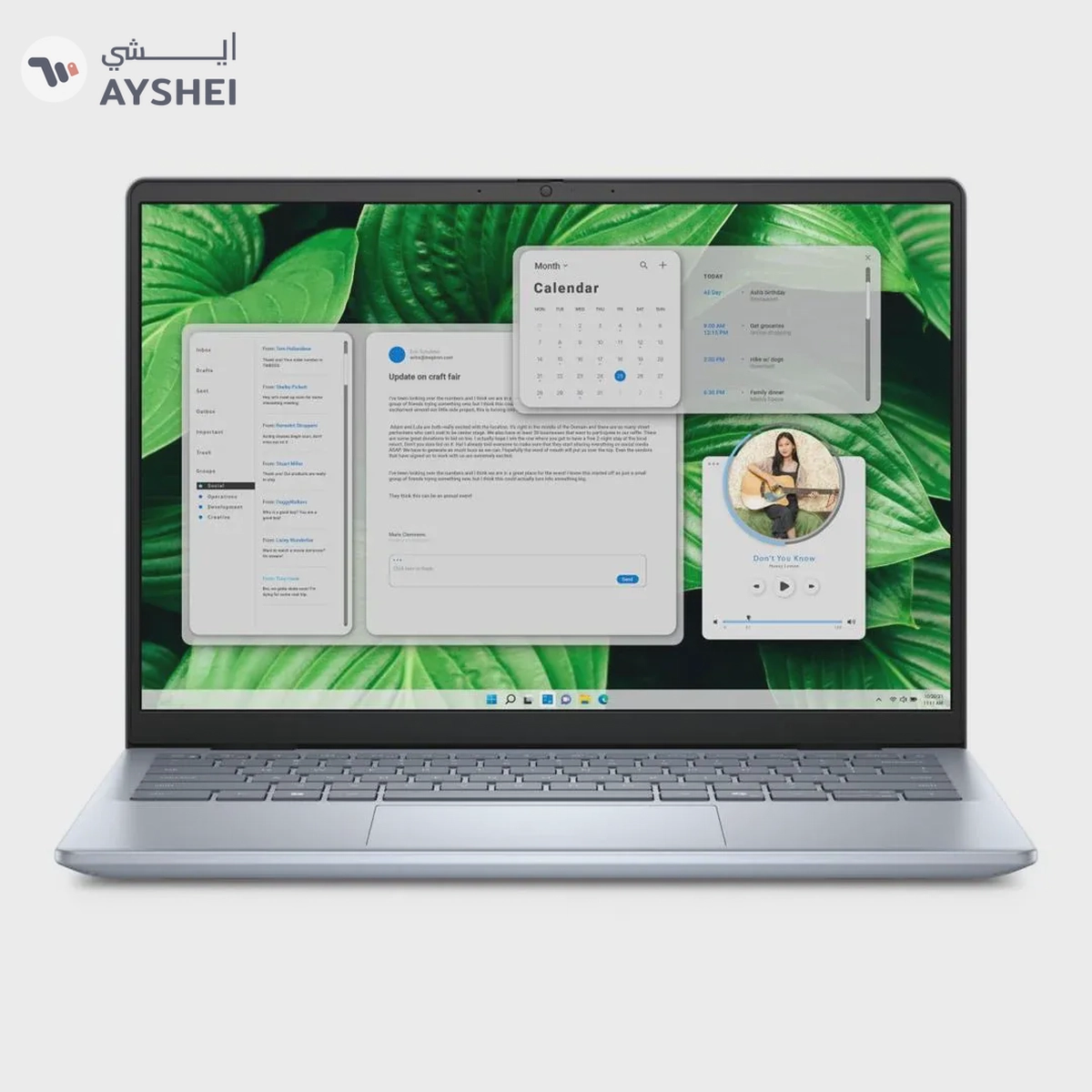
Dell Inspiron 14 5440 – Core Ultra 7 | 16GB RAM | 1TB HDD | Win 11 | Brand New | Warranty 1 Year
Dubai
Verified User
AED
2,000
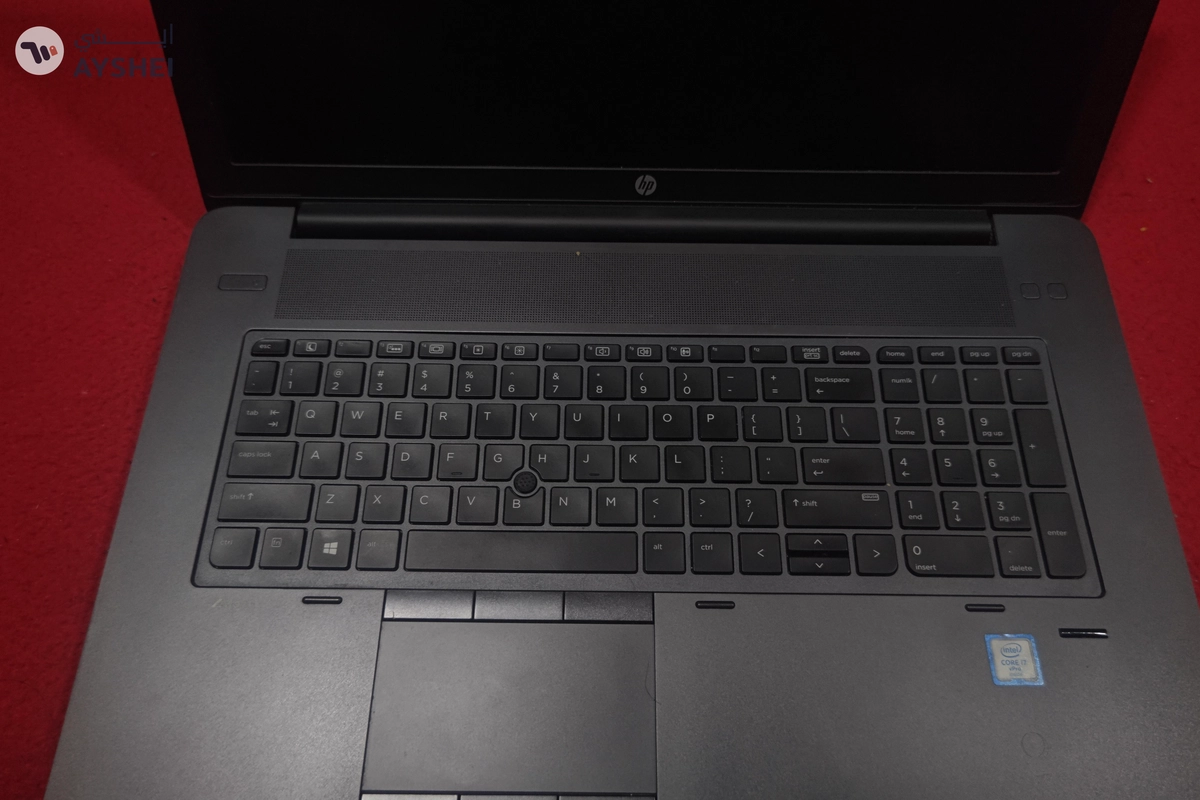
Hp ZBook Core i7
SEWA - Water Department - الشارع 185 - Sharjah
AED
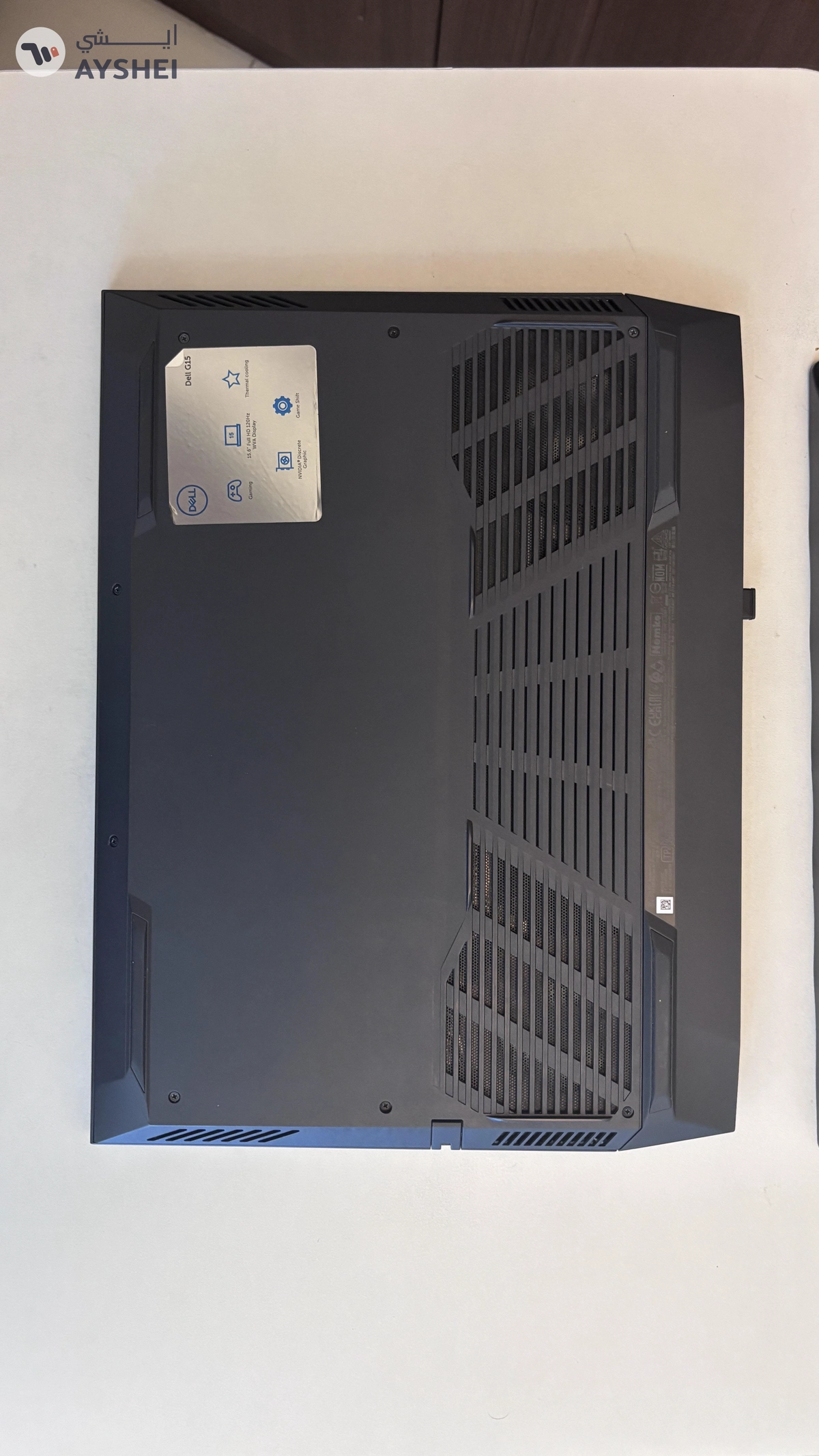
3,100
Dell G15 5511
Dubai Sports City St 11, Dubai
Verified User
AED
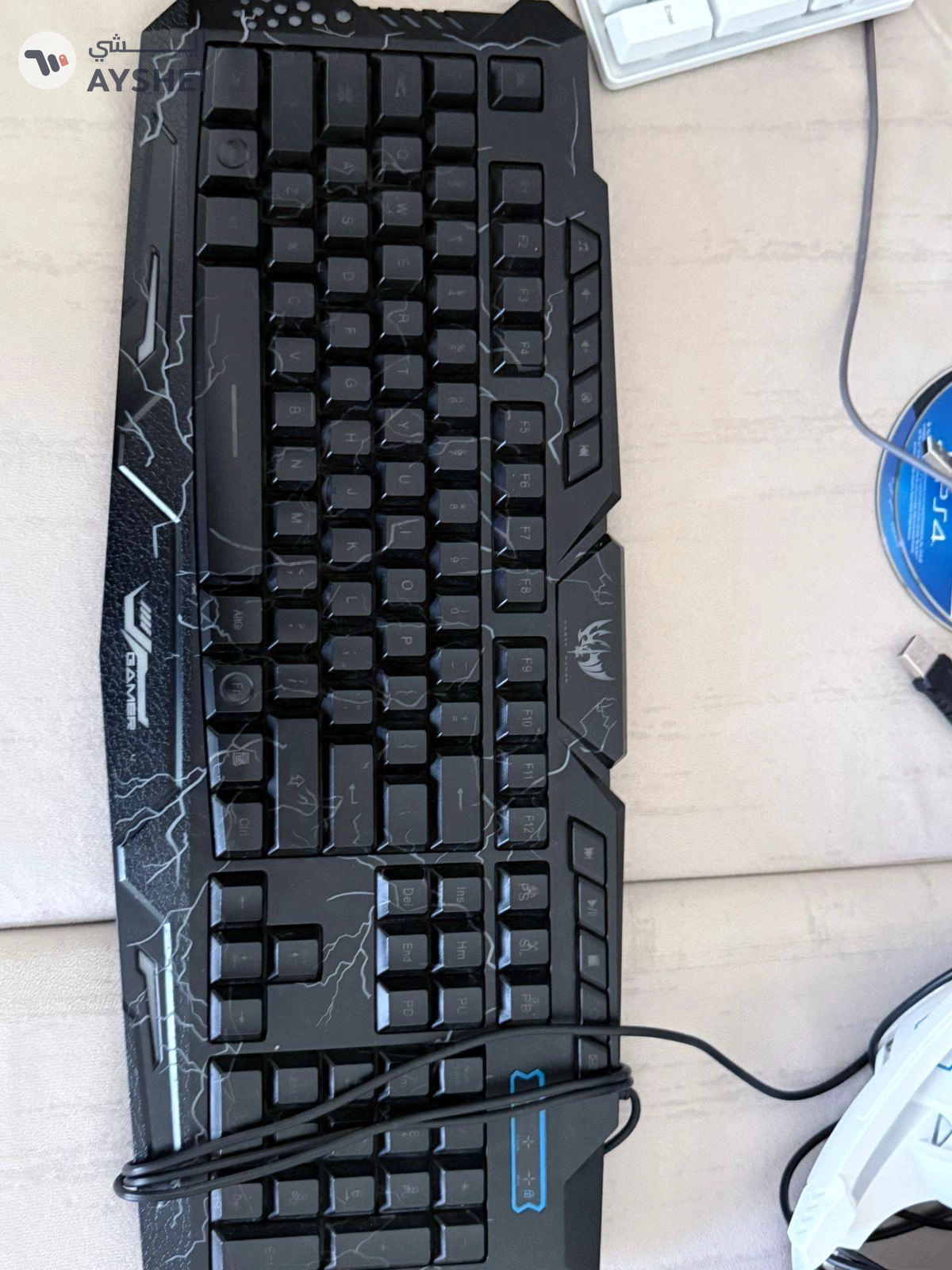
200
Gaming keyboard
Sheikh Majed bin Saqr Al Qasimi Street GB-6, Sharjah
Verified User
AED
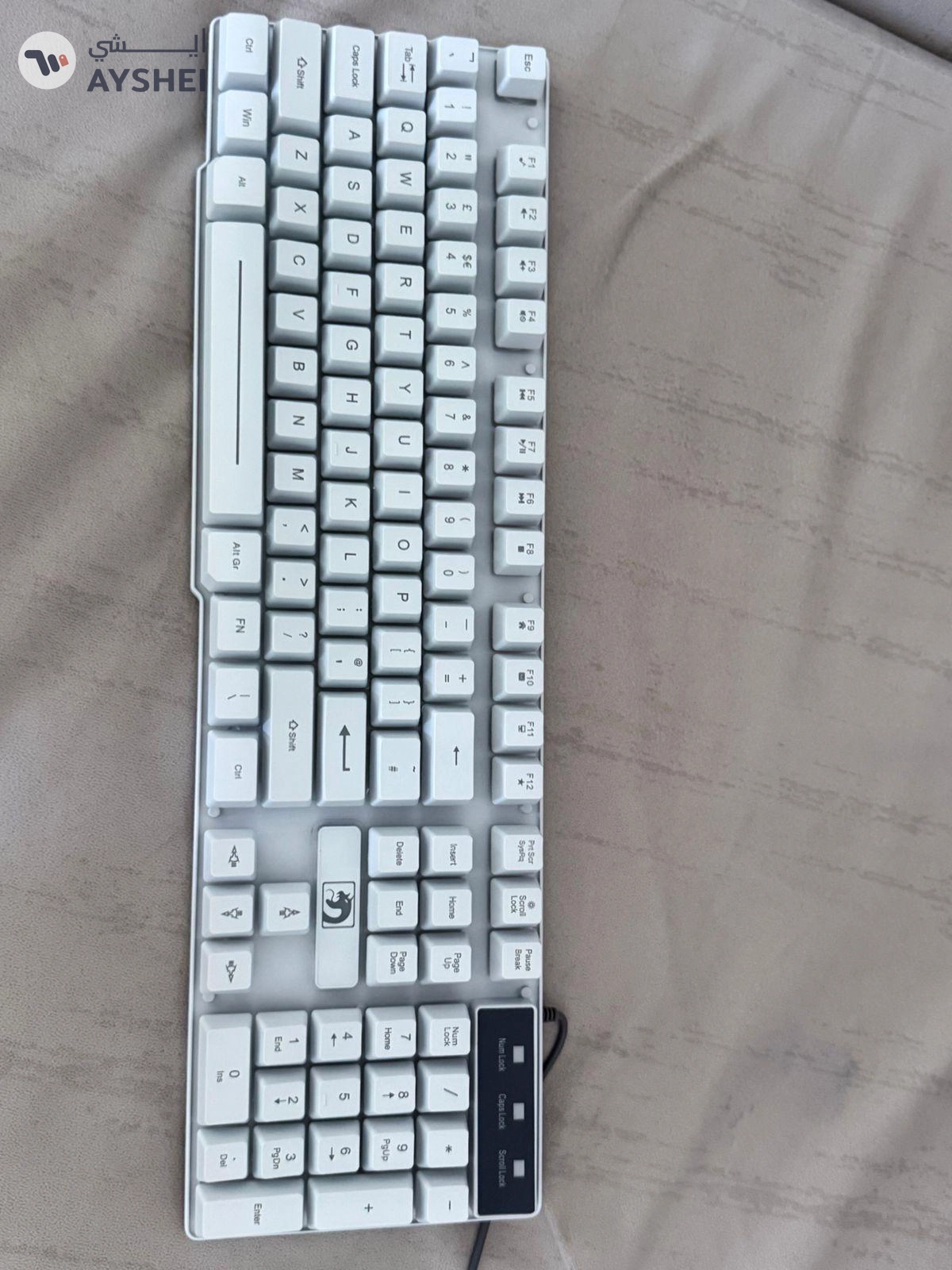
250
Gaming keyboard
Sheikh Majed bin Saqr Al Qasimi Street GB-6, Sharjah
AED
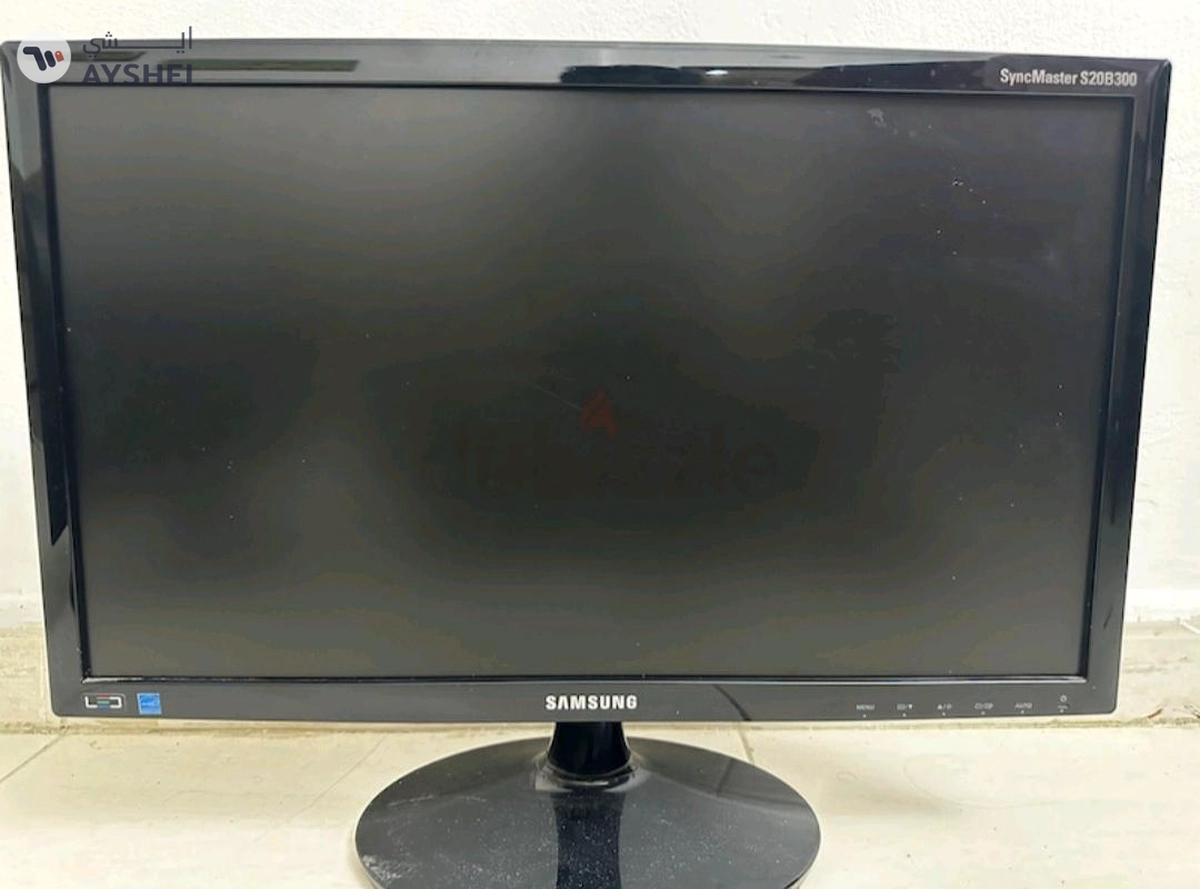
80
Samsung monitor
Abdul Aziz Al Majid A3 Tower - Sharjah
Verified User
AED
1,200
laptops
King Abdul Aziz Street, Sharjah
Related electronics Categories
Browse desktops & laptops
Looking for desktop laptops for sale in the UAE? This category brings together everyday laptops, gaming machines, workstations, monitors, and a few unusual finds, so you can compare before you commit.
The listings here range from budget-friendly used pc laptops to higher-spec gaming PCs and newer machines. That mix is useful, but it also means you should read each ad carefully. A good price only matters if the specs, condition, and included extras match what you need.
What to check before you buy
Start with the basics: processor, RAM, storage type, battery health for laptops, and whether the charger is included. For desktops, ask about the power supply, cooling, and any upgrades that were added later. A machine built for gaming or rendering can be a great deal, but only if the seller can explain the parts clearly.
For used computer laptops for sale, check the screen for dead pixels, keyboard wear, hinge movement, and fan noise. If the ad mentions a battery, ask how long it lasts in real use. If it does not mention battery life at all, assume you need to test it yourself.
High-value tip
Ask the seller to show the laptop or desktop running a simple task on pickup: boot time, Wi‑Fi, sound, ports, and a quick battery or temperature check. Five minutes can save you from a bad buy.
How prices tend to vary
On Ayshei, prices usually track three things: age, specs, and condition. Older laptops with modest storage sit much lower than newer models with more RAM or SSD space. Gaming laptops and desktops cost more when they include stronger GPUs, larger SSDs, or extra accessories like a monitor or keyboard.
You can see that spread in the current listings: some buyers are shopping for simple everyday use, while others want a machine for editing, gaming, or 3D work. If you only need browsing, office work, and streaming, do not pay extra for hardware you will never use.
| What you are buying | What matters most | Typical check |
|---|---|---|
| Used laptop | Battery, charger, screen, storage | Boot it, open apps, test touchpad and keyboard |
| Gaming laptop | GPU, cooling, display refresh, thermals | Listen for fan noise and check heat under load |
| Desktop / gaming PC | CPU, GPU, PSU, case airflow | Confirm the exact parts and ask about upgrades |
| Monitor or accessory | Panel quality, ports, dead pixels | Test brightness, inputs, and any included cable |
Buying safely on Ayshei
Meet in a public place when possible, or choose a location where you can test the device properly. In the UAE, that usually means a mall café, office lobby, or a seller’s shop if they have one. Bring a charger, a USB drive, or headphones if you need to test ports and audio.
Keep the chat inside Ayshei until you are comfortable. Ask for clear photos, the exact model name, and any known issues. If the seller says the item is brand new, ask for the box, seals, or proof of purchase where relevant. For used pc laptops, a clean ad with honest wear is often a better sign than a vague “perfect condition” claim.
For sellers: how to get better responses
If you are listing your own device, include the exact specs, the age of the machine, what is included, and any repairs or upgrades. Mention whether the charger is original, whether the battery holds charge, and whether the item is still under warranty. Clear details help serious buyers move faster.
Good photos matter too. Show the screen on, the ports, the keyboard, the underside, and any scratches. If you are selling a desktop, show the inside build and the rear connections. Buyers searching for computers laptops for sale usually compare several ads before messaging, so clarity wins.
Browse related electronics
If you are still comparing options, it can help to check other nearby categories too. You may find a better bundle or a cheaper accessory in electronics accessories, a matching display in televisions and displays, or a useful add-on in audio equipment.
You can also compare with mobiles and tablets if you want a lighter device, or browse the wider electronics category to see what else is available on Ayshei.
FAQs
Should I buy new or used?
Buy used if you want better value and are comfortable checking condition. Buy new if you need warranty coverage, a fresh battery, or a machine for work you cannot risk.
What matters more: RAM or storage?
For everyday use, both matter, but RAM affects smoothness and storage affects speed and space. An SSD is usually more important than a large slow drive.
How do I know if a gaming laptop is worth the price?
Compare the GPU, cooling, screen refresh rate, and battery condition. A strong graphics card is useful only if the rest of the laptop can keep up.
What should I ask before meeting a seller?
Ask for the exact model, current condition, included accessories, and whether there are any faults. If it is a desktop, ask for the full parts list.
Can I find both laptops and desktops here?
Yes. This category includes both, along with monitors and related hardware, so it works well if you are building a setup from scratch.